08 May
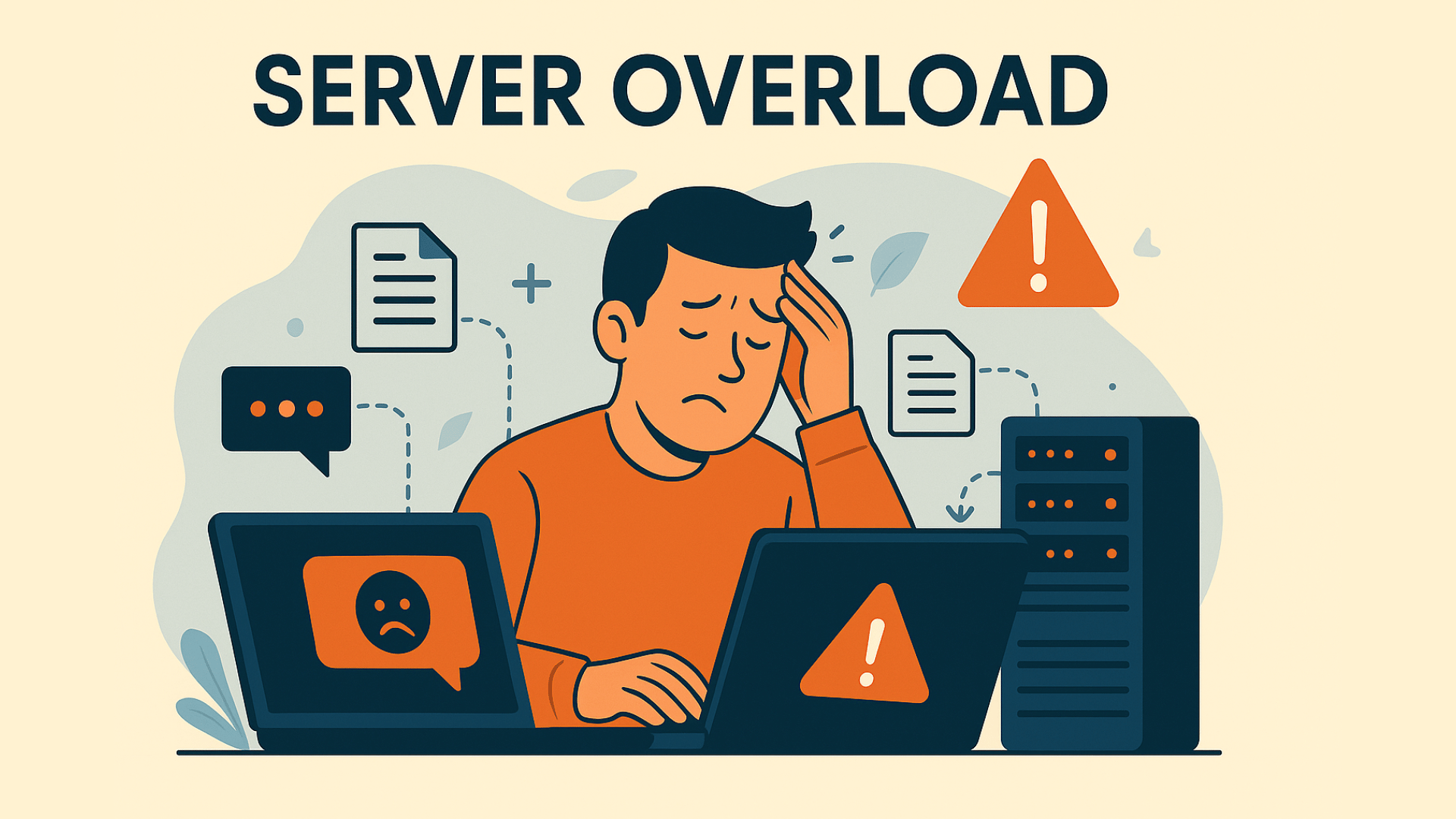
Imagine your website is a bustling store, and the server acts as the cashier processing all the transactions. If a sudden rush of customers arrives or the cashier is overloaded with too many tasks at once, the service slows down, and chaos ensues. This is a simplified version of what happens when a server experiences an overload.
Server overload occurs when the server cannot keep up with the sheer volume of incoming requests, whether from website visitors or automated traffic. This leads to slow loading times, unresponsiveness, or complete failure, disrupting user access and potentially harming your website’s performance. Understanding how and why server overload happens is crucial for maintaining a seamless online experience for your users.
Table of contents
Why Does Server Overload Happen?
Several factors contribute to server overload, each of which can be preventable or manageable with the right strategies.
Traffic Spikes
A sudden influx of traffic is one of the most common reasons for server overload. This could be the result of a successful marketing campaign, a viral post on social media, or an unexpected event driving more visitors to your site. If the server is not prepared to handle such a large amount of traffic, it quickly becomes overwhelmed. A server can only process a certain number of requests at a time, so if the traffic exceeds that capacity, performance will degrade significantly.
Resource Limitations
Each server has a fixed amount of resources—processing power (CPU), memory (RAM), and bandwidth. When a website exceeds these resources, the server starts to struggle. This can happen if your website has poorly optimized code or if it’s hosting heavy media files, like high-resolution images or videos, which consume significant resources. As your website grows and traffic increases, these limitations become more noticeable, especially if the infrastructure isn’t scaled accordingly.
Technical Problems
Not all overloads are caused by increased traffic. Sometimes, technical issues within the server itself—like hardware failure, software bugs, or problems with the server’s operating system—can disrupt its ability to function correctly. For example, if one server in a cluster goes down, the remaining servers may become overloaded as they try to compensate for the failure, leading to a slowdown or crash.
Malicious Attacks and Bots
Not all website traffic is legitimate. Malicious actors often use techniques like Distributed Denial-of-Service (DDoS) attacks to flood a server with traffic, deliberately overwhelming it. DDoS attacks are designed to make a server crash, preventing legitimate users from accessing the site. Additionally, automated bots that mimic human behavior can generate large volumes of traffic that can overwhelm servers. These bots are often difficult to distinguish from genuine users, making it even harder for basic security measures to keep them in check.
Impact of Server Overload
Server overload doesn’t just affect your website’s performance; it can have significant real-world consequences for your business and users.
First, the most immediate impact is on user experience. A slow or unresponsive website is frustrating for visitors. Pages that take too long to load, forms that fail to submit, or buttons that don’t work properly can drive users away. In an online world where convenience and speed are highly valued, even small delays can cause users to abandon your site and turn to a competitor.
Second, server overload can also have financial repercussions. If your website experiences downtime, you risk losing sales, especially if the overload occurs during peak times such as sales events or new product launches. Consistent downtime can erode customer trust, resulting in reputational damage that may take months to recover from. Customers may even start to associate your brand with poor reliability, causing long-term harm to your business.
Additionally, overloaded servers can create security vulnerabilities. When a server is struggling, it’s less able to defend against attacks or malware, making it easier for hackers to exploit weaknesses. This not only jeopardizes the integrity of your website but also puts user data at risk, which could lead to serious legal and regulatory implications, especially when handling sensitive information under regulations like the GDPR.
Finally, search engine rankings are often affected by slow website performance. Google, for instance, uses website speed as one of the factors to determine its ranking. If your server becomes overloaded frequently, causing your website to slow down, it could negatively impact your SEO efforts and reduce organic traffic, making it harder for users to find your site.
How to Identify Server Overload?
Recognizing the early signs of server overload can help you take action before it becomes a major problem. One of the first indicators of server strain is slower page loading times. If your website starts to take longer to load, or certain elements (like forms or buttons) become unresponsive, it’s a sign that your server might be under pressure.
You can also monitor server health using various tools. These tools track the server’s resources, such as CPU usage, memory consumption, and bandwidth. By keeping an eye on these metrics, you can spot bottlenecks before they cause major issues. Server logs are another useful resource for identifying problems. They can help pinpoint the specific areas where requests are failing or where traffic spikes are occurring.
Strategies to Prevent and Fix Server Overload
It’s much easier to prevent a server overload than to fix one after it happens. Here are several strategies to help you keep your website running smoothly:
Optimise Your Website
Optimising your website’s code and resources can reduce the strain on your server. Compress large image files to reduce the amount of data transferred, and minimise JavaScript and CSS files to improve loading speeds. Efficient data management and cleaning up unnecessary files can also help reduce server load.
Scale and Distribute Traffic
Implementing load balancing is a powerful way to distribute incoming traffic across multiple servers, ensuring no single server becomes overwhelmed. Many businesses turn to cloud hosting solutions that offer scalability, meaning they can automatically adjust server capacity based on demand. Serverless architecture can also help by automatically scaling resources as needed.
Use Caching and Content Delivery Networks (CDNs)
Caching stores frequently accessed content, like images or text, so that it can be quickly served to users without overloading the server. A Content Delivery Network (CDN) helps by storing copies of your site’s content on servers around the world, which reduces the load on your main server and speeds up access for users located far away from your data center.
Strengthen Security Measures
Protecting your server from malicious attacks is crucial to preventing overload. A Web Application Firewall (WAF) filters out harmful traffic before it reaches your server. Regularly updating server software and security patches can close vulnerabilities that attackers may exploit. Additionally, removing malware from your server can free up valuable resources.
Protect Against Bots and Malicious Traffic
Sophisticated bots can mimic human traffic, making them harder to detect. To combat this, rate limiting can restrict the number of requests a single source can make, preventing abuse. Access controls can also limit who can interact with certain resources. Additionally, bot management solutions can detect and block malicious bots in real time, keeping your server resources free for legitimate visitors.
Conclusion
Server overload is a serious issue that can disrupt your website’s performance, harm your reputation, and lead to financial losses. Whether caused by a sudden surge in traffic, technical limitations, or malicious attacks, it’s essential to take proactive steps to prevent server overload from affecting your business.
By optimizing your website’s performance, scaling your infrastructure, and implementing strong security measures, you can ensure that your website remains fast, reliable, and available to users even during periods of high demand. Additionally, protecting your website from malicious bots is crucial, as these bots can contribute to server overload and make it difficult for legitimate users to access your site.
Using a privacy-compliant CAPTCHA solution like captcha.eu can help safeguard your website from bots and online abuse. By ensuring that only legitimate users can access your site, CAPTCHA reduces the strain on your server, helping to maintain a smooth and efficient online presence.
FAQ – Frequently Asked Questions
What is server overload?
Server overload occurs when a server receives more traffic or requests than it can handle, causing it to slow down or crash. This results in poor website performance, including slow loading times or an unresponsive site.
What causes server overload?
Several factors can cause server overload, including sudden traffic spikes, inefficient server resources, technical issues, and malicious attacks such as DDoS or bot traffic.
How can I prevent server overload?
Preventing server overload involves optimizing your website’s code and resources, scaling your server infrastructure, implementing load balancing, using caching, and employing robust security measures to prevent malicious attacks.
What security measures can help prevent server overload?
Protecting your server with Web Application Firewalls (WAFs), malware detection, and rate limiting can help prevent overload caused by malicious attacks. Regularly updating server software and security patches is also essential.
How does CAPTCHA help prevent server overload?
CAPTCHA helps prevent server overload by blocking malicious bot traffic, reducing the unnecessary strain bots place on your server. This ensures that only legitimate users access your site and prevents bots from consuming valuable server resources.
100 free requests
You have the opportunity to test and try our product with 100 free requests.
If you have any questions
Contact us
Our support team is available to assist you.
 English
  German
  French
  Spanish